Android onlyGoogle Play · coming soon

Your tone. Your phone. Your session.

NAM A2
Recorder

A focused Android workstation bringing Neural Amp Modeler profiles, USB audio, effects, scenes and recording into one compact rig.

Coming soon on Google PlayProduct support
Android onlyLocal audio processingUSB interface ready
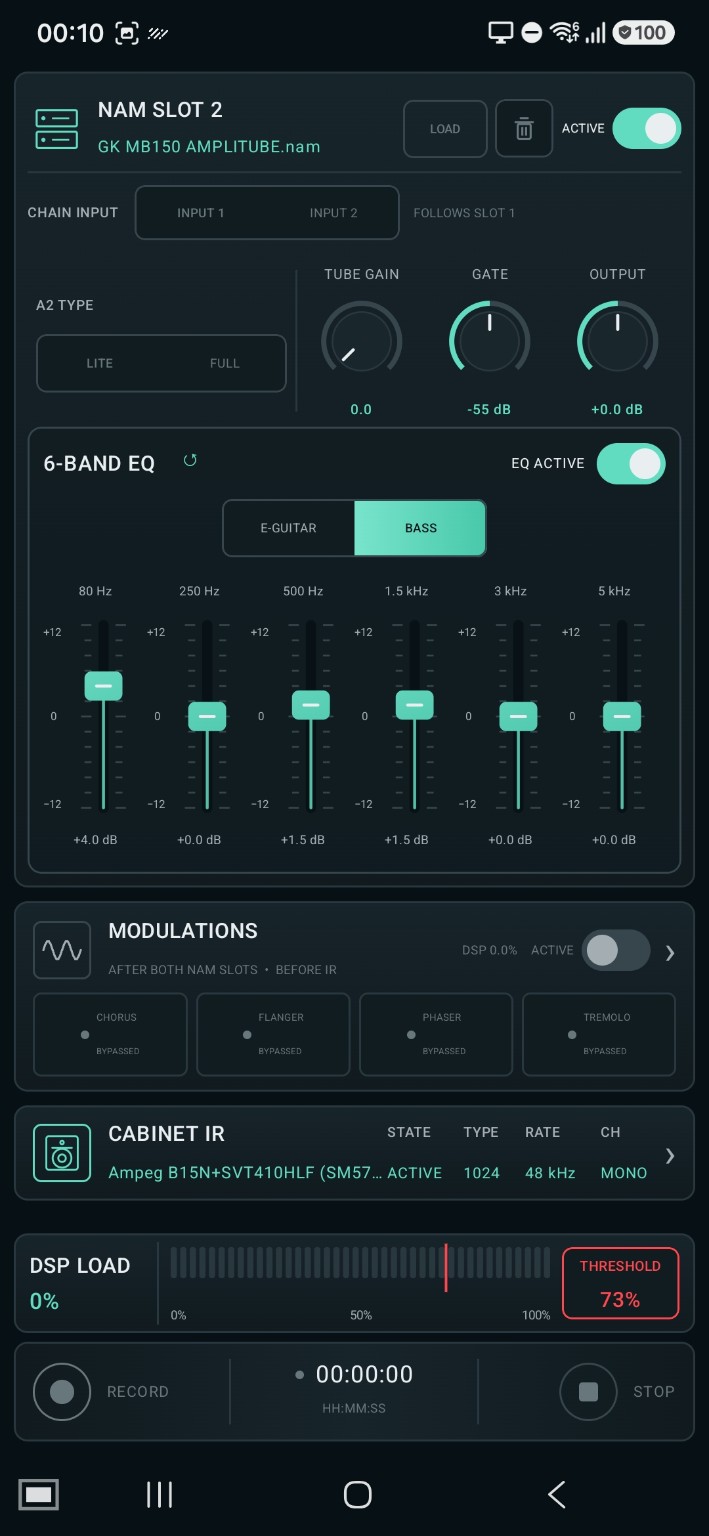
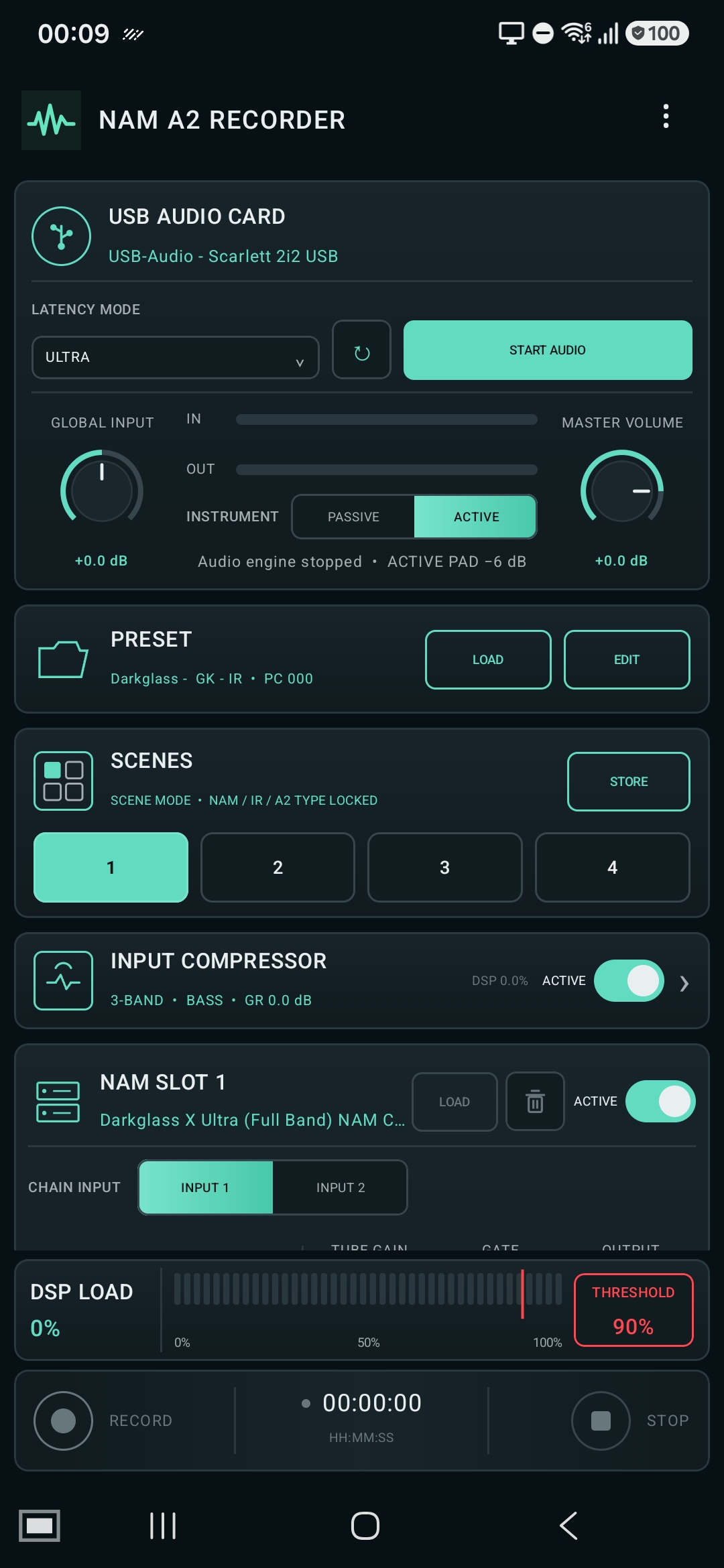
NAM A2 Recorder main interface on Android

One signal path

Everything the mobile rig needs.

Routing, tone shaping, performance control and recording stay visible without turning a phone into a maze of menus.

01

USB audio workflow

Connect a compatible USB audio interface, choose your input and shape the signal without a desktop computer.

02

Dual NAM processing

Run two A2 profiles in Lite or Full modes and organise the chain for practical mobile performance.

03

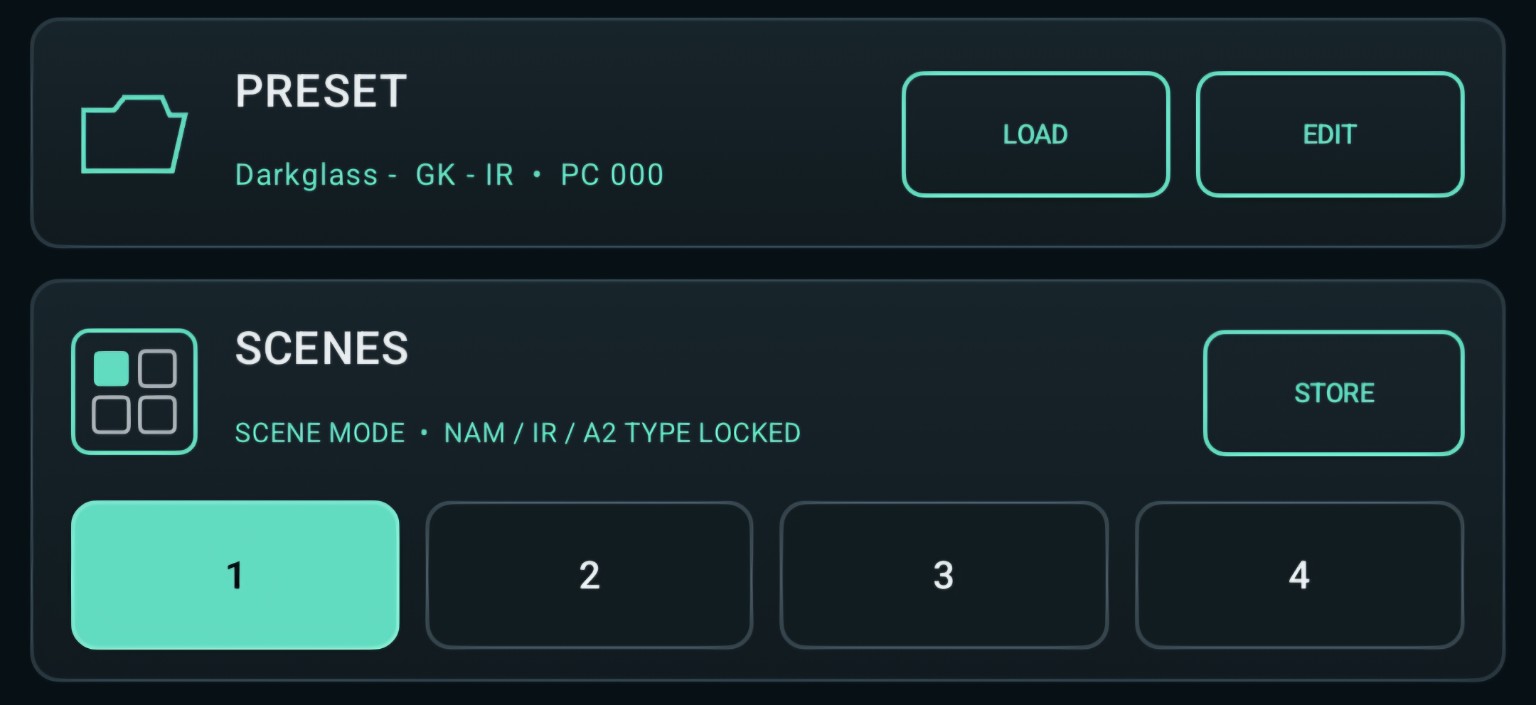
Presets & scenes

Store complete rigs and switch performance states without rebuilding your chain between songs.

04

Input compressor

Use focused single-band or detailed three-band compression for bass and electric guitar.

05

EQ & cabinet IR

Shape the instrument with a practical six-band EQ and load your own cabinet impulse response.

06

Record the result

Capture the processed output as WAV while watching time and DSP load.

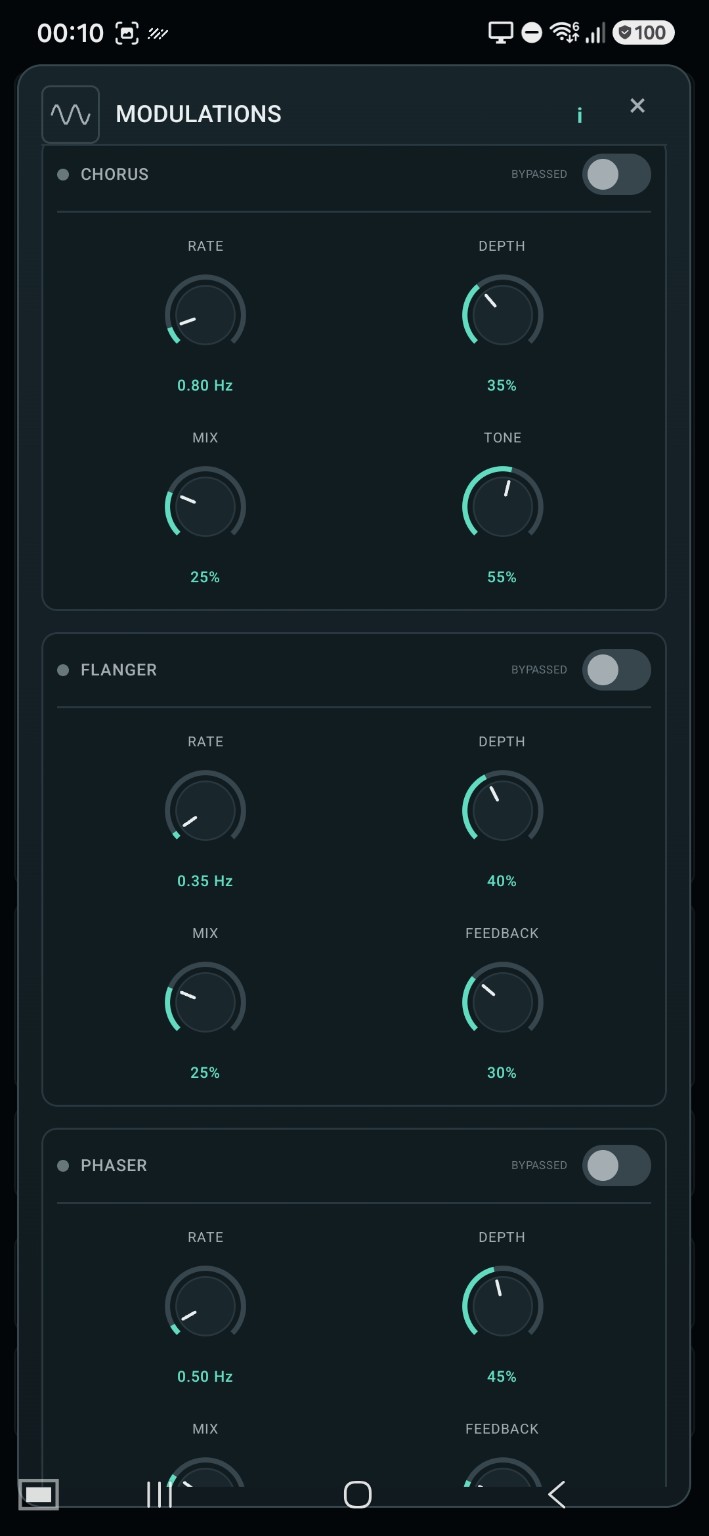
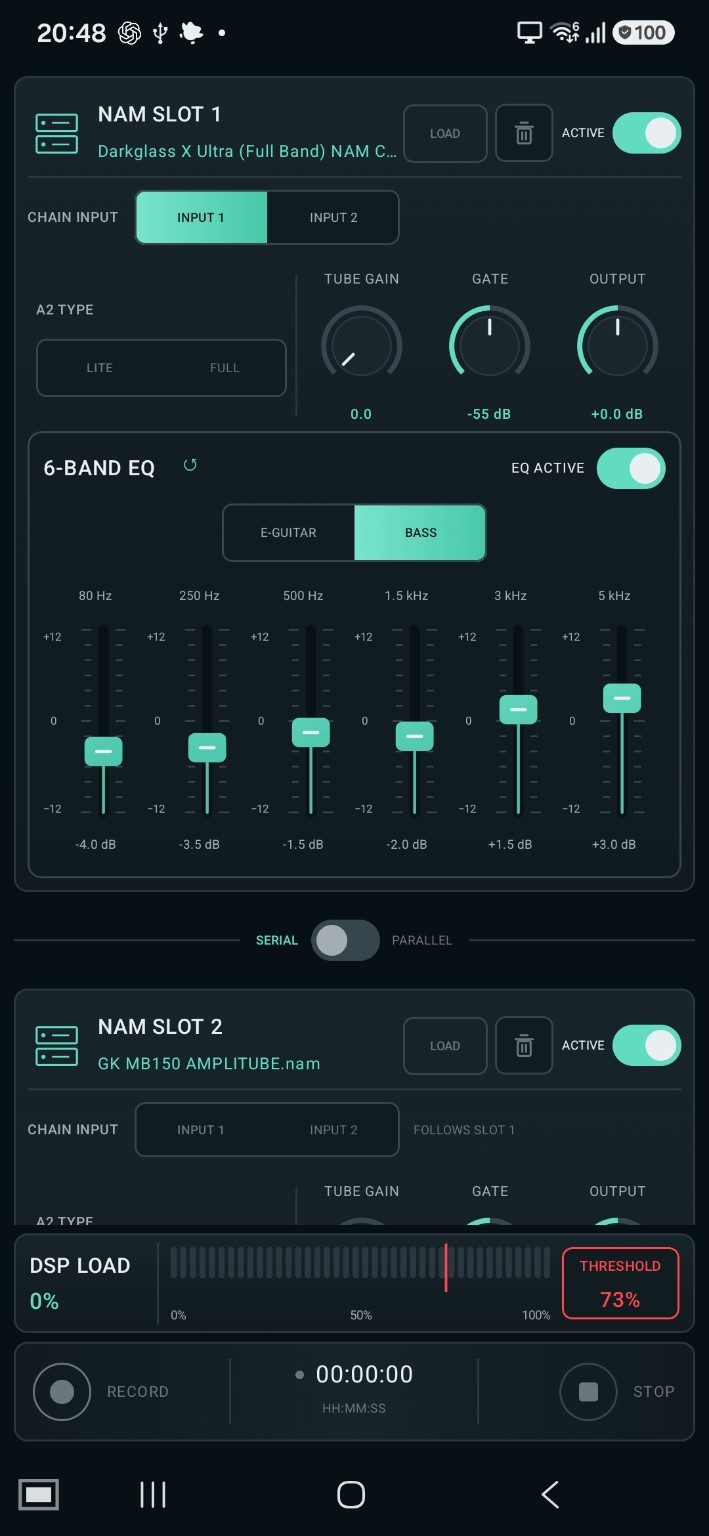
NAM A2 Recorder screen used as the current feature preview

Built for real sessions

From input to recorded take.

Connect the interface, load the rig, switch scenes and record without leaving the same performance-focused environment.

  • Global input and master output control
  • Serial or parallel NAM signal paths
  • Chromatic tuner and MIDI control support
  • Visible DSP load and overload protection
  • Reusable rig profiles
Ready for feature sliders.
Dedicated compressor, EQ, NAM, scenes and recording sliders can be added here later; the current release uses the supplied main-screen image.
PlatformAndroid only
AvailabilityPlay Store soon
ProcessingNAM A2 Lite / Full
RecordingLocal WAV output

Common questions

Before you connect.

Does it work on iPhone or iPad?

No. The first release is exclusively for Android.

Is it already on Google Play?

Not yet. It will be published after release testing is complete.

Do I need a USB audio interface?

The core workflow is designed around a compatible USB audio interface. A tested list will be published with release.

Where are recordings stored?

The app is designed around local files selected or created on the Android device.

Release updates

Android. Google Play. Soon.

Need compatibility information or want to report an issue during testing?